 Mahjong Table
Tutorial
Never hosted a table before? Never played Chinese Mahjong? This guide covers both: how to use Mahjong Table with friends, and the basics of how a hand works.
Part 1 — Using Mahjong Table
Keep the game room on a large screen. Each player uses their own phone to join and play.
-
Join on phone
- Scan the QR code on the host screen, or enter the room code.
- Tap Join.

-
Name and zodiac character
- Enter your display name.
- Choose your zodiac animal avatar.

-
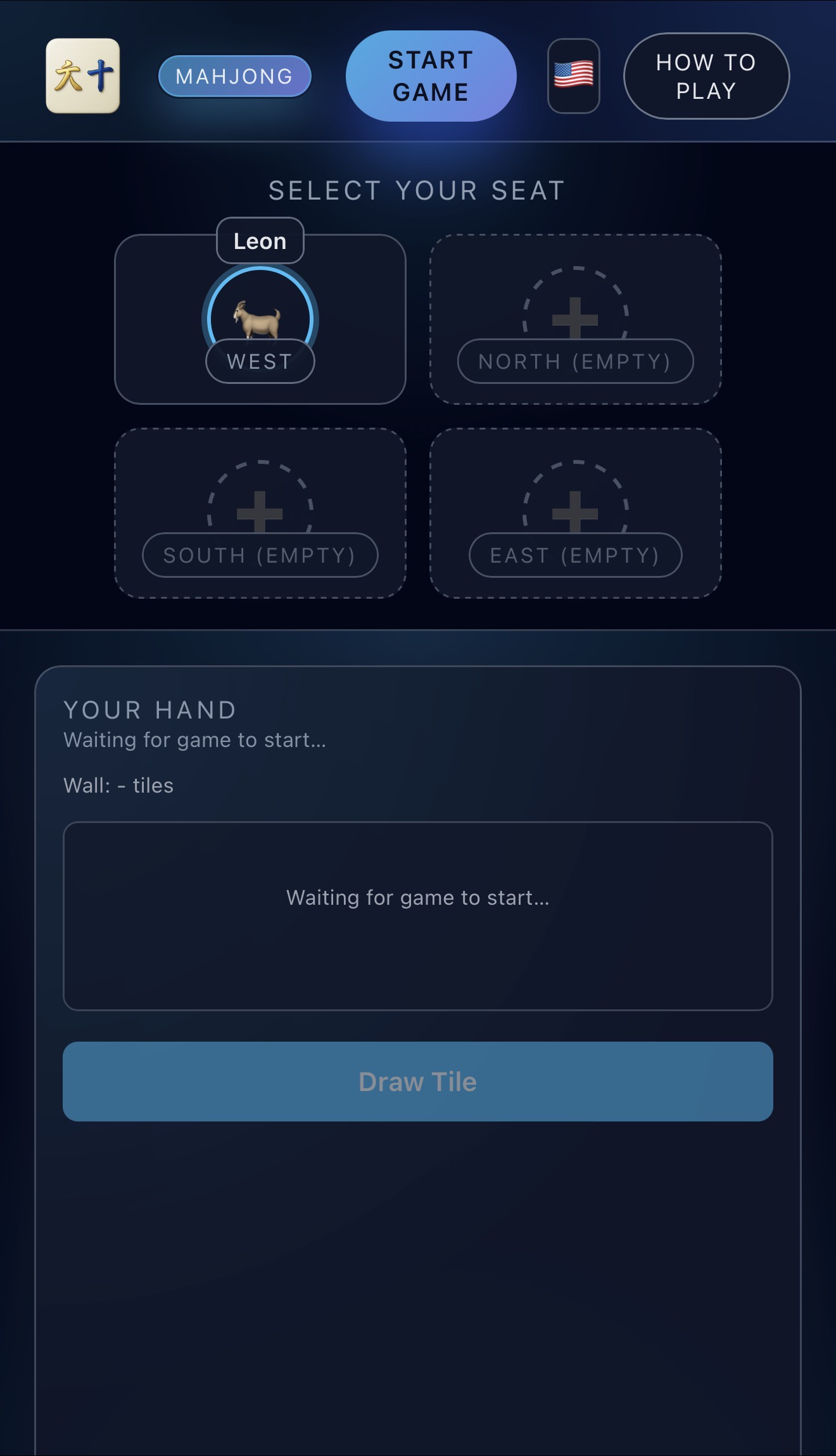
Pick your seat
- Select a seat: East, South, West, or North.
- Wait until all four players are seated.
-
Start the game
- When everyone is ready, the host taps Start Game on the big screen.
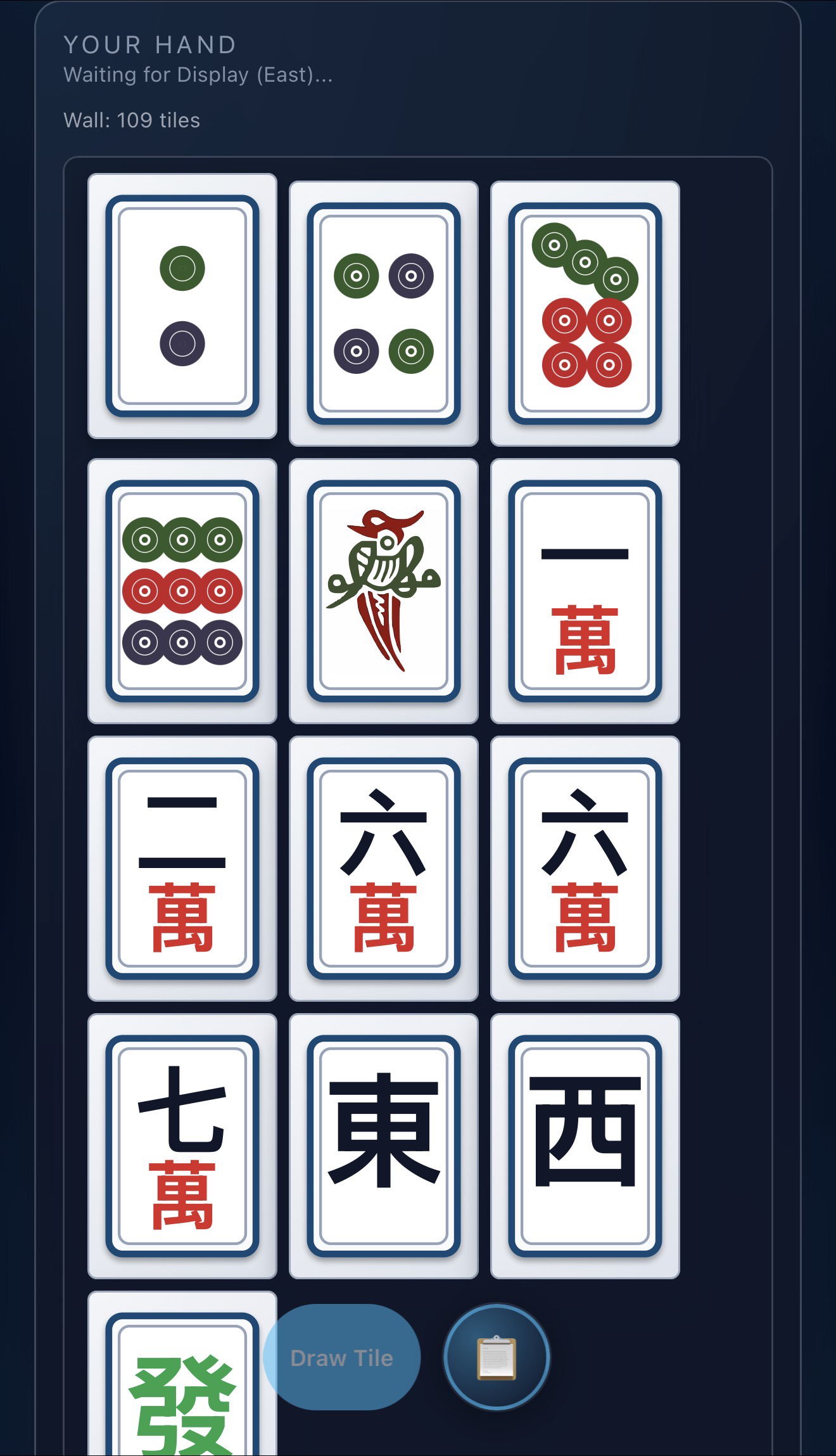
- Play tiles on your phone; the shared table shows the wall and discards.
Part 2 — Playing Chinese Mahjong
Mahjong Table uses a common 144-tile Chinese Mahjong ruleset (Goldthread-style). Here is a beginner walkthrough of one hand.
Quick start for one hand
- Join the room from your phone and pick a seat (East / South / West / North).
- The host starts the game. Everyone is dealt tiles (East has 14, others 13).
- On your turn: draw from the wall, then discard one tile.
- You win with a standard hand: four melds (chi or peng) plus one pair.
The tile set (144 tiles)
- Suits: Bamboo, Circles, and Characters — each rank 1–9, four copies of each.
- Honors: Winds (East, South, West, North) and Dragons (Red, Green, White) — four copies each.
- Bonus: 4 Flowers + 4 Seasons (8 tiles total).
Bonus tiles (Flowers & Seasons)
- Draw only — bonus tiles are never claimed from the discard pile.
- When you draw a bonus tile, it is revealed and moved aside; you draw a replacement from the back of the wall.
- Bonus tiles are not used in melds; they count as scoring bonuses at the end of the hand.
Sets (melds)
- Peng: three identical tiles.
- Gang: four identical tiles (then draw a replacement from the back of the wall).
- Chi: three consecutive tiles in the same suit (e.g. 3-4-5 Bamboo).
Claiming a discard
- Peng or Gang can be claimed from any player’s discard.
- Chi can only be claimed from the player on your left.
- Priority: Win > Gang > Peng > Chi.
Winning (Hu / Zimo)
- Standard winning hand: four sets (peng, gang, or chi) plus one pair.
- Hu: win by taking the winning tile from someone’s discard.
- Zimo: win by drawing the winning tile yourself from the wall.